Excelens
Image to Excel converter
Snap a picture of a printed or handwritten table, receipt, or report. Excelens detects the data and hands you a clean, ready-to-use spreadsheet — no retyping. Get started today on iOS, or right in your browser — no install needed.

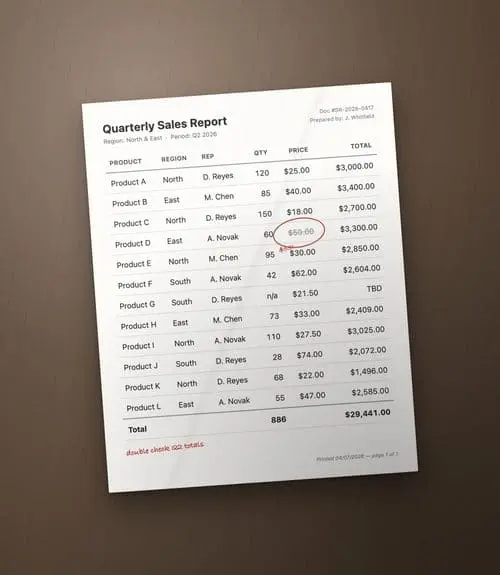
Three steps, no manual data entry.
Use your camera, or pick an existing image from your gallery or files.
Excelens finds rows, columns, and values automatically — even in messy or handwritten layouts.
Review, edit, and export a ready-to-use .xlsx — organized and formatted for you.
A few more views from inside the app.
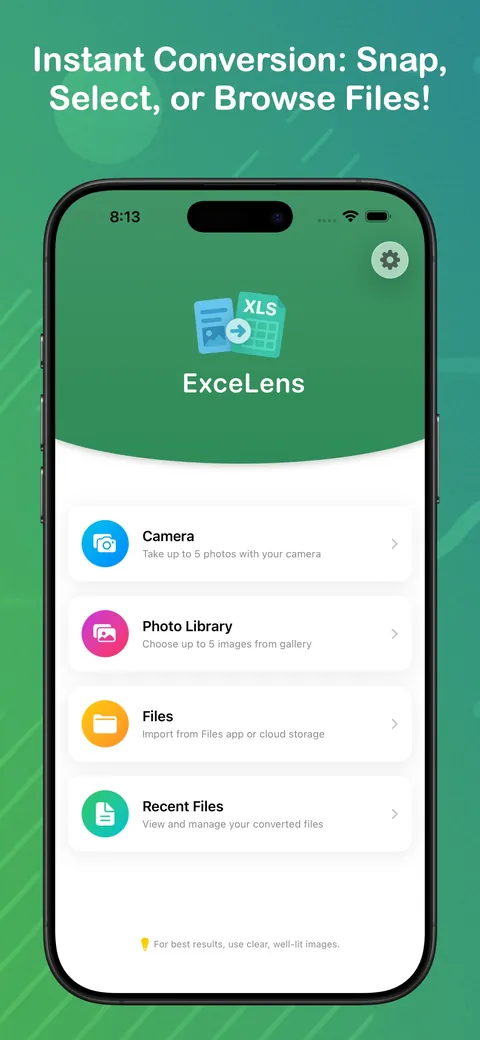
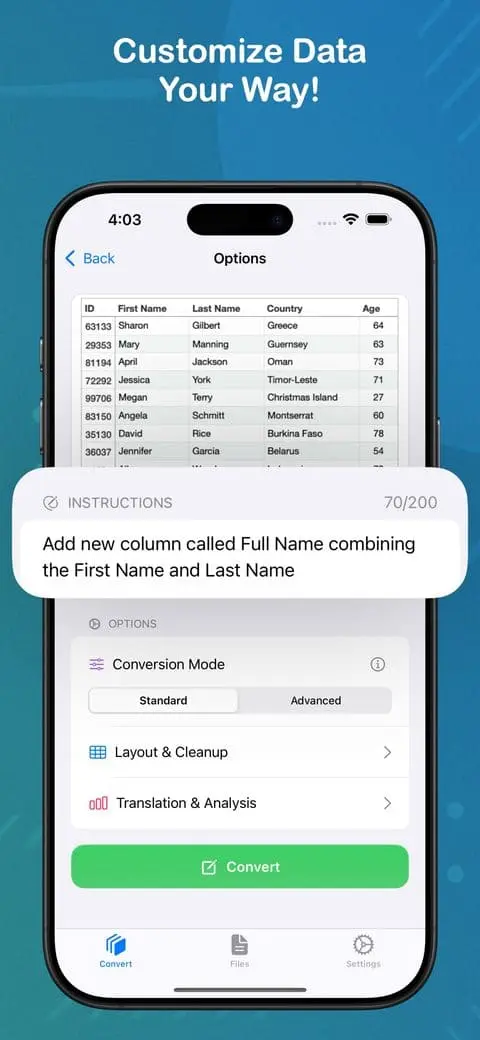
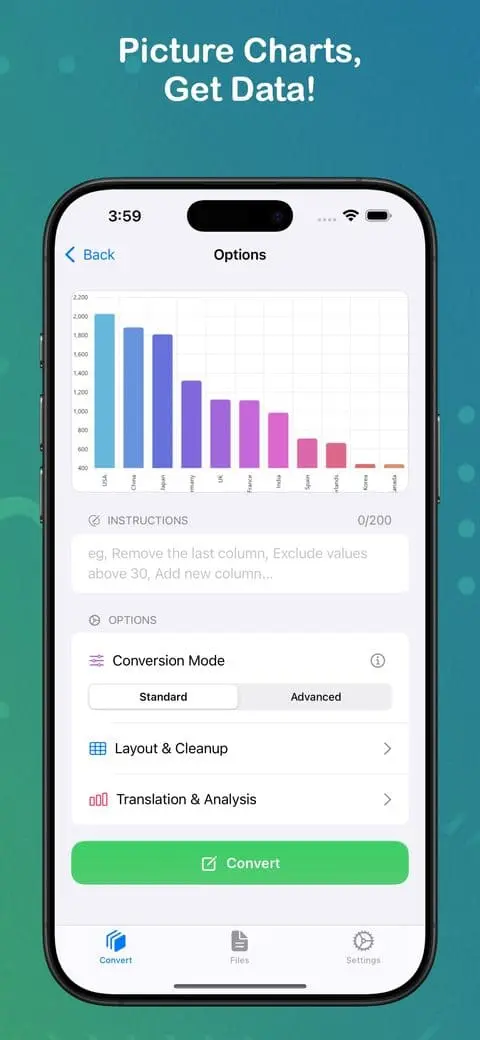
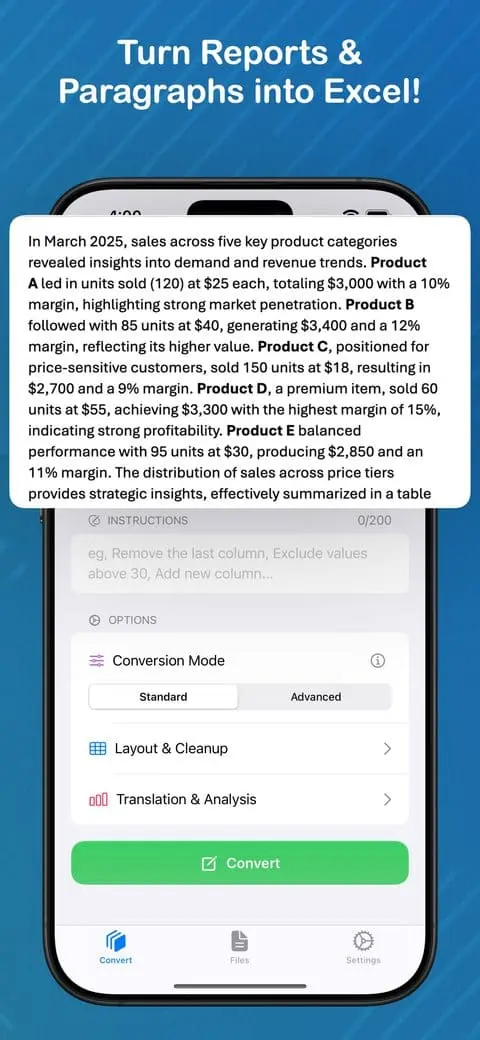
Scan the highlights — full details in the App Store.
Camera, gallery, or Files app — up to 5 photos at once, as one shared sheet or a sheet per image.
Printed or handwritten tables, receipts, reports, and PDFs → a ready-to-use .xlsx.
Any chart or graph → structured rows and columns.
Exclude, add, rename, or filter columns with a prompt.
Shelf or room photo → itemized list with counts.
Translate extracted files into multiple languages, with automatic summaries and key takeaways.
Everything you need to know before you scan your first document.
Yes. Excelens is free to try on the App Store and no sign-up is required to scan your first document.
Yes. Excelens detects rows, columns, and values in both printed and handwritten tables, receipts, and reports.
Every conversion produces a ready-to-use .xlsx spreadsheet that opens in Excel, Google Sheets, or Numbers.
Yes. Use Excelens right in your browser at my.excelens.app — no install needed — or download the iOS app from the App Store.
Yes. Excelens does not collect personal information from its users. See the Privacy Policy for full details.
Yes. Beyond photos of tables and receipts, Excelens converts PDF documents and charts or graphs into structured spreadsheet data.